
How to use the Web App
How to use the Web App
When you first log into the web app, you will be greeted with this page –
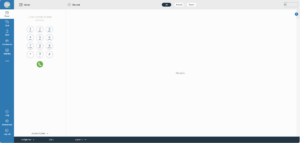
This page is the main home screen of the app. On the left it shows the dialer, chat, conference and meeting. The main ones you will be using, are the dialer and chat.
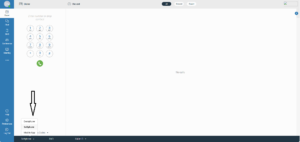
On the dialer section you can type in numbers to dial, and if you have a connected desk phone it will dial out on the phone, as long as you have deskphone selected
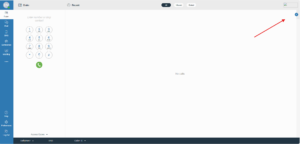
If you press the blue arrow in the top right, it will bring up your contact book.
From this, you can dial out by pressing their name.
If you want to send a chat, select the chat icon and press on whoever you would like to message.