
How to use your Yealink Base
W70B Quick Start
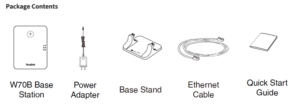
Assembling the W70B
1. Connect the base station power and the network using method a or method b.
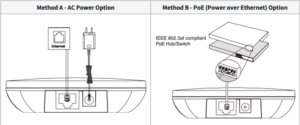
2. Choose one of the following installation methods:
(Desktop Installation) Attach and remove the base stand.
a. Attach the Base Stand
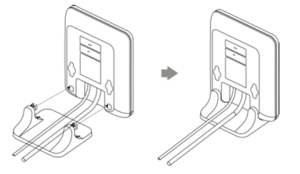
b. Remove the Base Stand
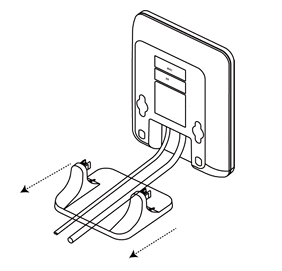
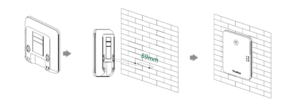
(Wall-Mount Installation) Attach the base station.
After the base station starts up successfully and the handset is registered to the base station, all LEDs on the base
station will glow green.