
How to use ViCTUS SelfCare
In the Self Care section you can view your details regarding your extension.
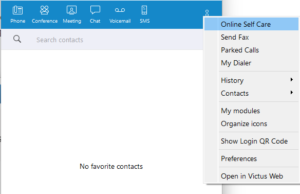
When you select Self Care the following screen will be displayed. You can also view this section by going to www.pbx.victus.online and entering your username and password.
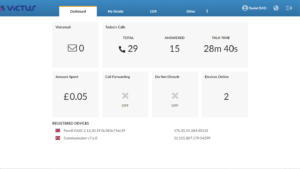
Dashboard
On this page you can see the following information:
- How many voicemail messages you have
- Total number of calls make
- How many calls have been answered
- Your total talk time
- If call forwarding is switched on
- If DND is switched on
- How many devices are online with the same extension number
My Details
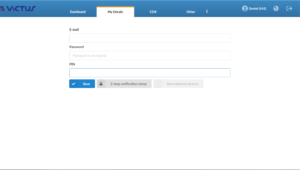
Here you can see your login name and password. You can also change your password in this section
Directory
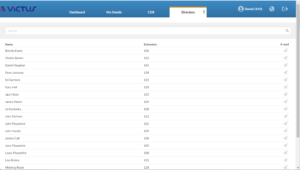
Here you can see a list of all internal extensions. You can also email them by clicking on the email icon to the right of their name
Services
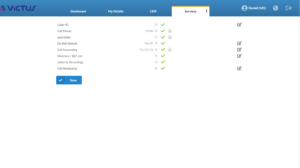
This shows all the services you have enabled against your extension with the option of changing the settings.
CDR
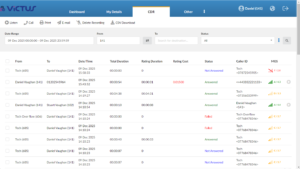
Within this section you can view all your call information, including times, dates and call duration. This is also where you would listen to your call recordings. To do so simply click on the symbol to the right of the call and listen to the recording.
Within this section you can also search the date, type of call and the status.